

AI
An AI email assistant that drafts your replies
cloudmail reads new mail, writes a one-line summary and can leave a reply in Drafts for you to edit and send. It runs on Workers AI in your own Cloudflare account, and nothing is sent without a person.
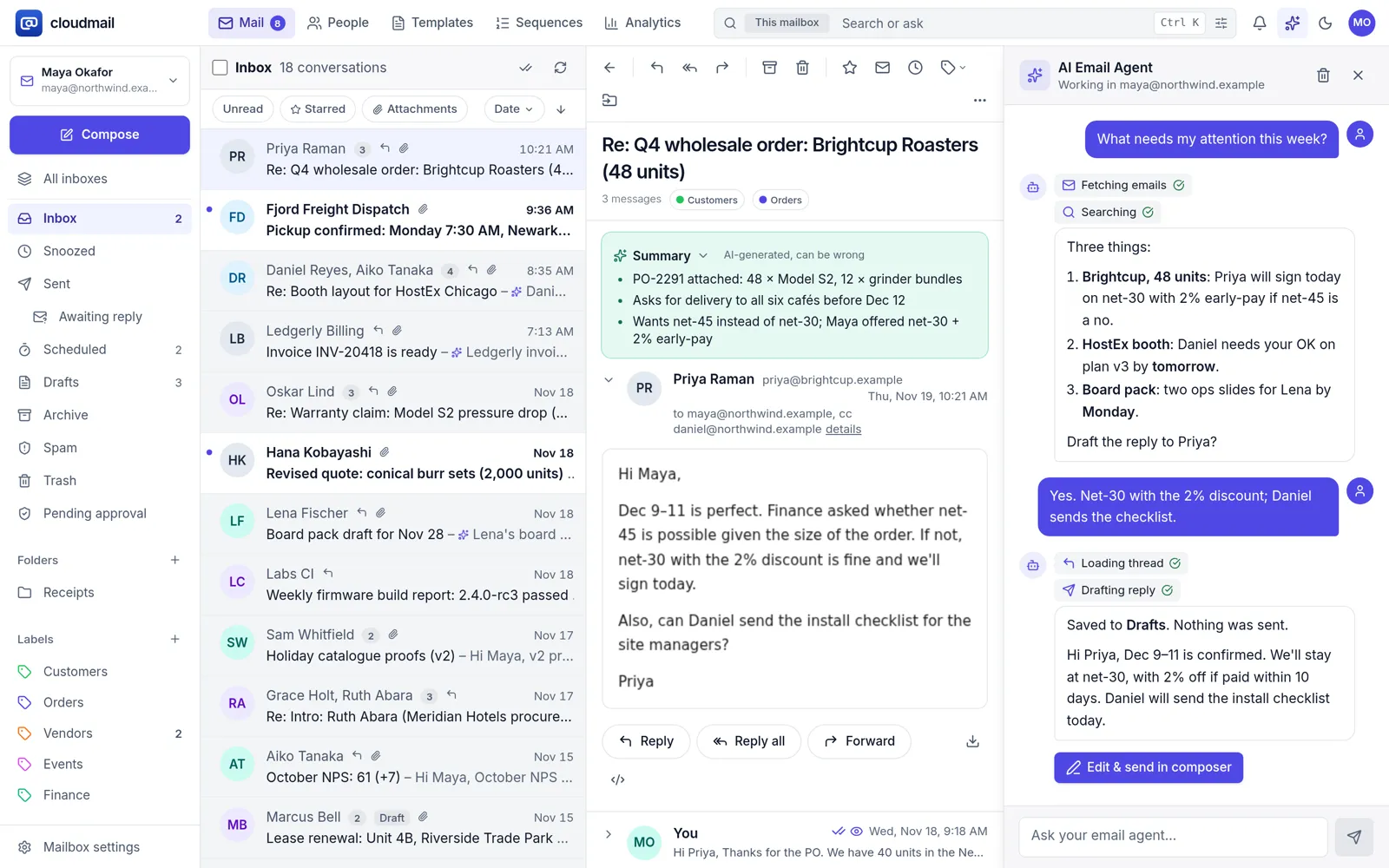
Three drafts are in Drafts: Tomás (new call time), Priya (pilot start) and Maya (corrected invoice). Nothing was sent.
What the assistant does
Draft replies to new mail
Switch it on per mailbox and give it your own instructions. The draft waits in Drafts and is never sent automatically.
A summary on every thread
One line in the message list and up to three bullets in the reader, covering the whole conversation.
An assistant in the side panel
Ask it to find, file or draft. It works with your mailbox's own tools, and anything it writes waits for you.
A daily brief
At the time you choose: what needs a reply, what is still waiting on others, and what arrived.
Follow-up nudges
When a reminder comes due with no reply, the assistant can write the nudge as a draft.
Your tone and your facts
Each product can carry a reply tone and a knowledge snippet that drafts draw on.
Questions about the AI email assistant
Can the AI send email on its own?
No. A reply drafted for new mail waits in Drafts until you send it. A send from a connected agent or an API token waits in Pending approval, unless you have set that mailbox to send automatically.
Which AI model does cloudmail use?
Workers AI models in your own Cloudflare account, one per task. An administrator can pick another Workers AI model, or route every AI feature to an Anthropic-compatible or OpenAI-compatible gateway.
What does the AI cost?
Cloudflare bills Workers AI by use, with a free daily allowance. Each AI feature has a daily cap per mailbox, and the Usage tab projects the month's bill.
Related features
In the docs: AI summaries and the daily brief. See every cloudmail feature, or browse the documentation.
One-time licence