

Sending
Email templates and sequences from your own mailbox
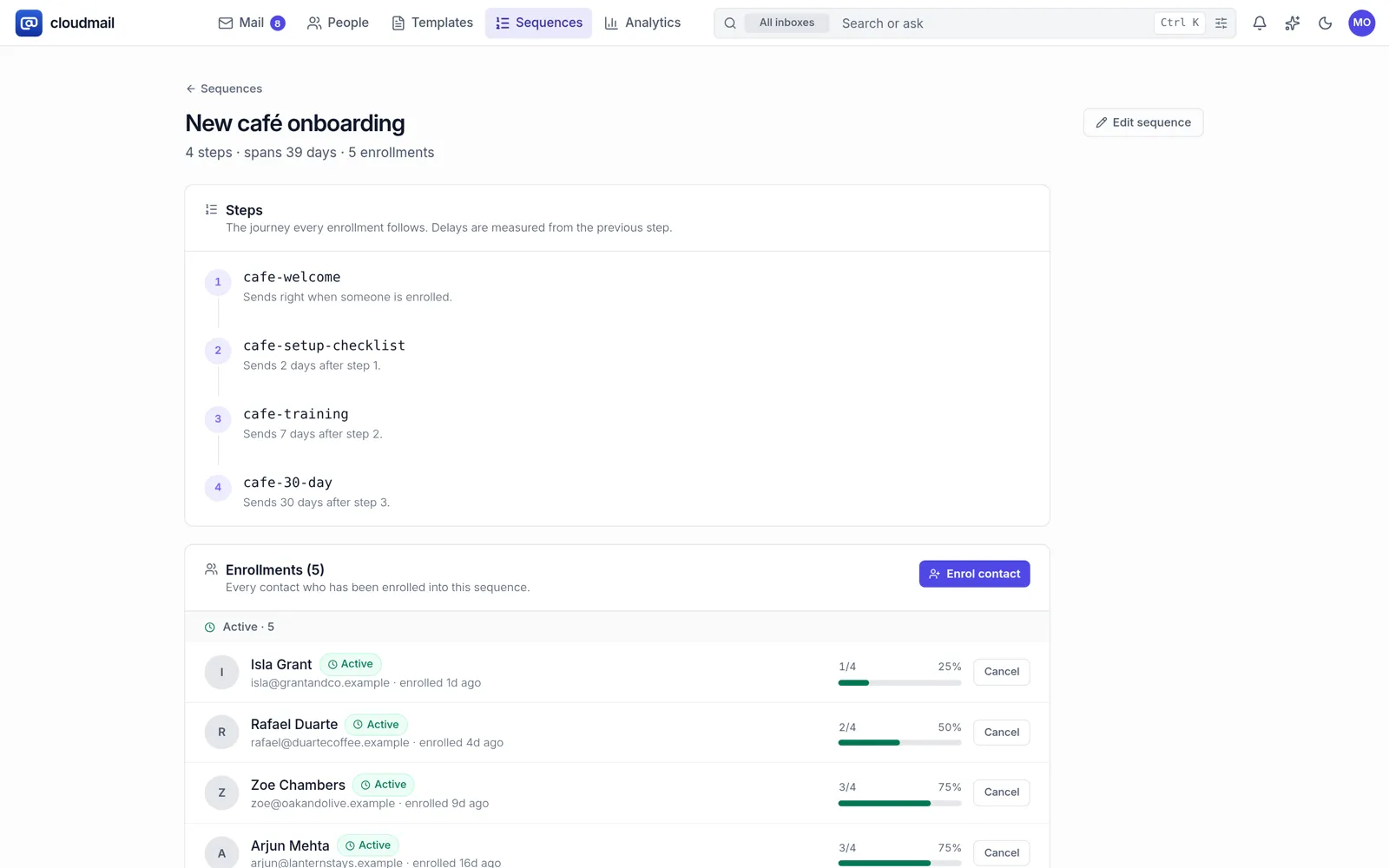
Save the mail you send more than once as a template, or as a sequence of timed steps that stops when the person replies. Sent mail shows whether each message was delivered, opened or clicked.
What you can send
Templates with variables
Shared by the team, and listed first for the product you are writing from.
Sequences that stop on reply
Timed steps, cancelled when the person writes back. Auto-replies don't count.
Open and click tracking
A status on each message in Sent. Opens from mail-privacy proxies are labelled, and your own opens don't count.
One-click unsubscribe
Bulk mail carries standard unsubscribe headers, and an unsubscribe takes effect at once.
Follow-up reminders
Remind me if no reply brings a sent message back to the Inbox when nobody answers.
Tracking you can switch off
Per mailbox or per message, with an optional disclosure line.
Questions about templates and sequences
Is cloudmail a cold email tool?
No. It is built for company mail: onboarding, follow-ups and updates to people who expect them. Bulk sending from a domain pauses when its complaint rate passes 0.3%.
How accurate is open tracking?
An open means the tracking image was fetched. Apple Mail and the Gmail, Yahoo and Outlook proxies fetch it themselves, so cloudmail labels those opens as likely from a mail-privacy proxy.
Can an agent enrol someone in a sequence?
Yes, through the API or the MCP server. The enrolment is held for approval like any other send from an agent.
Related features
In the docs: Open and click tracking. See every cloudmail feature, or browse the documentation.
One-time licence